
The tip, the split, and where it all went.
TipCalculate works out the tip and each person's share as you type, saves what you tipped and where, and keeps it in step across iPhone, iPad, Apple Watch, Android and the web.
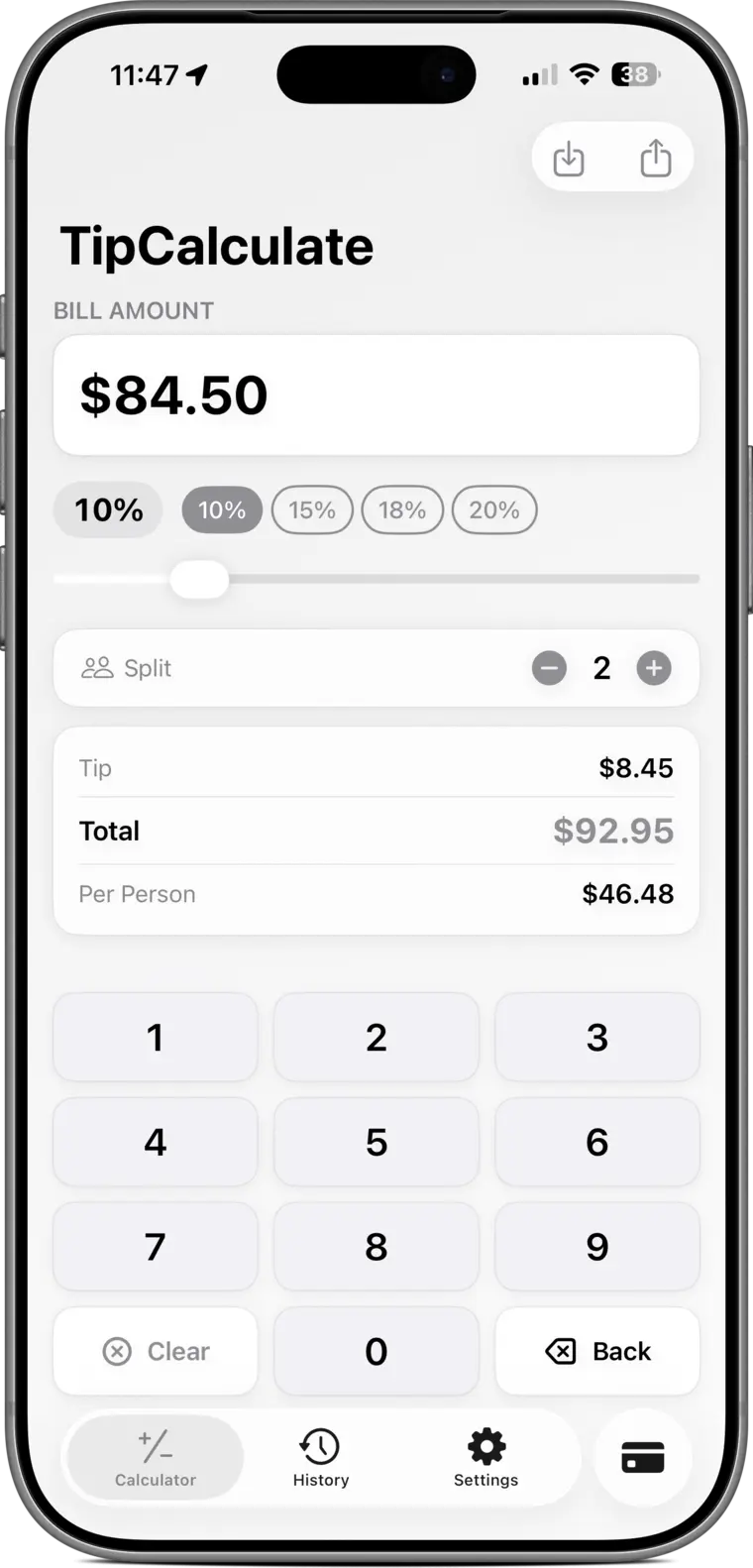
- iPhone
- iPad
- Apple Watch
- iMessage
- Siri Shortcuts
- Android
- Web dashboard
Everything at the table, nothing in the way.
A keypad built for bills, the numbers you need, and a record of every tip you choose to save.
Answers as you type
A dedicated keypad, quick tip chips and a slider for exact percentages. The tip and total update on every keystroke.
Split any way
Set the number of people and see each share straight away, ready to read out or send as a clean bill summary.
History with a map
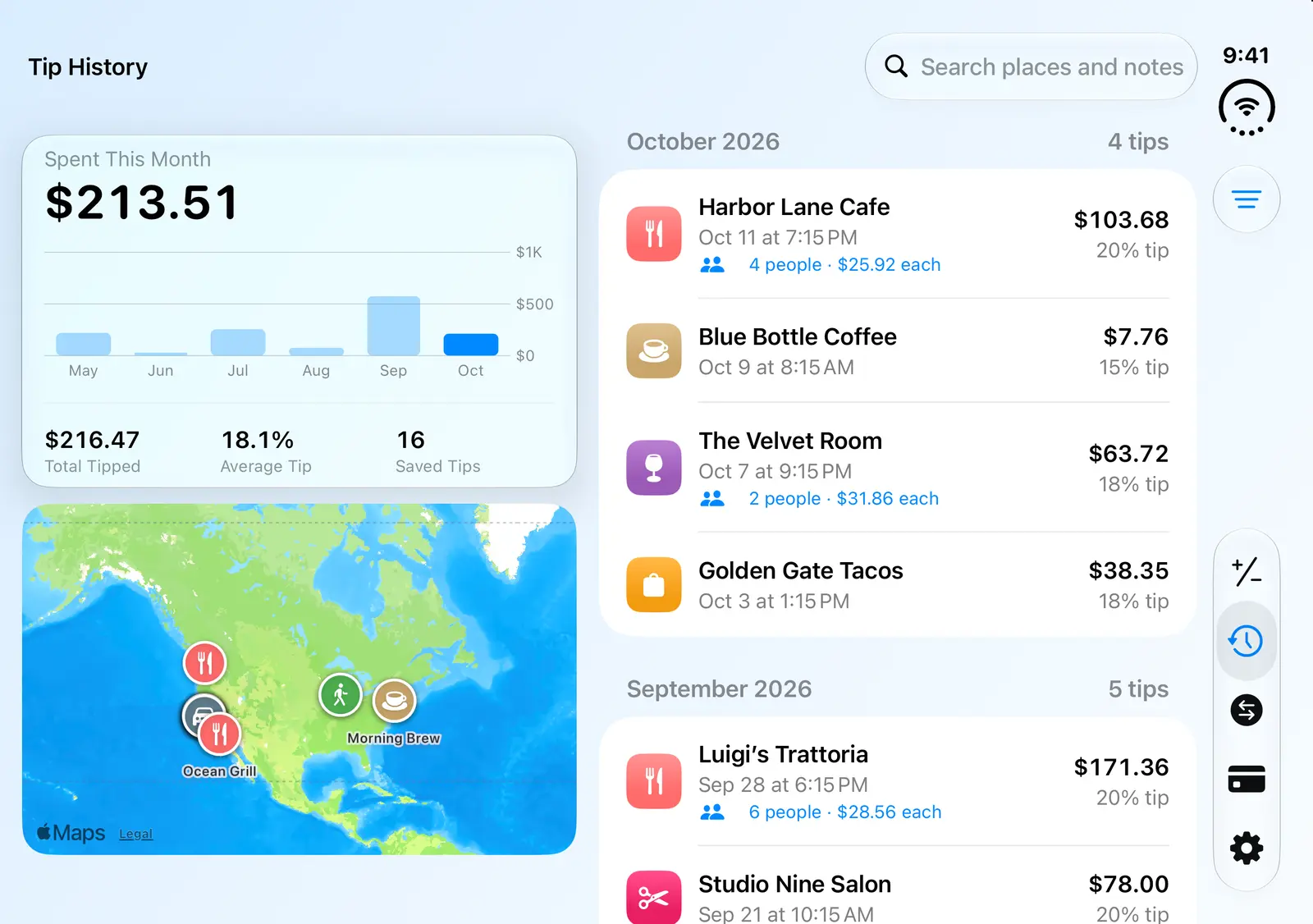
Save a tip with the place, notes, a category and a map pin. Browse it as a list or on a map, and filter by category.
A searchable tipping guide
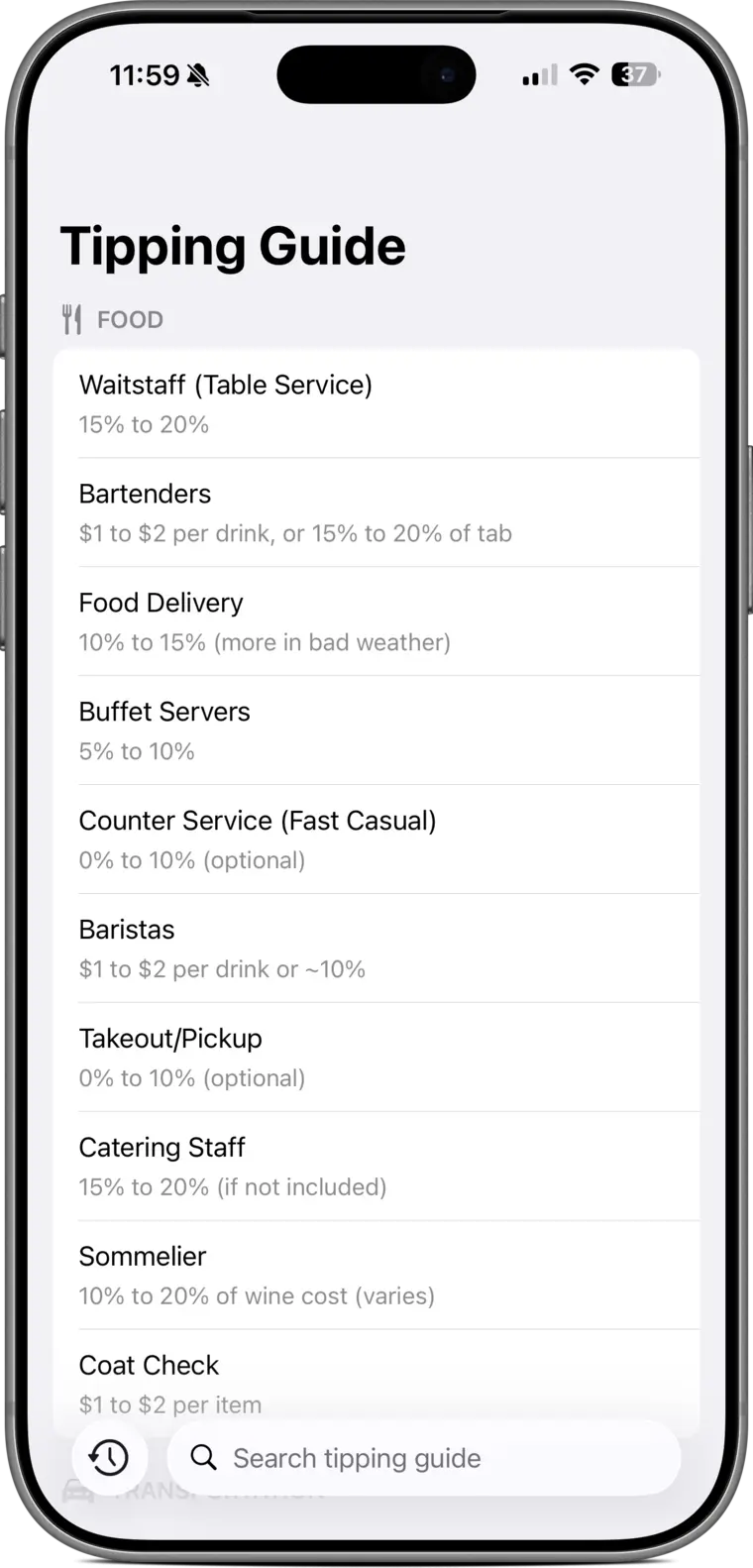
Over a hundred services, from waitstaff and baristas to movers and wedding planners, with the customary range for each.
Your currency, anywhere
Calculate in more than 150 currencies, and convert between them with the built-in currency converter when you travel.
In step on every device
Sign in to keep your history, currency and accent color in sync across your devices and the web dashboard.
Remember what you spent, and where.
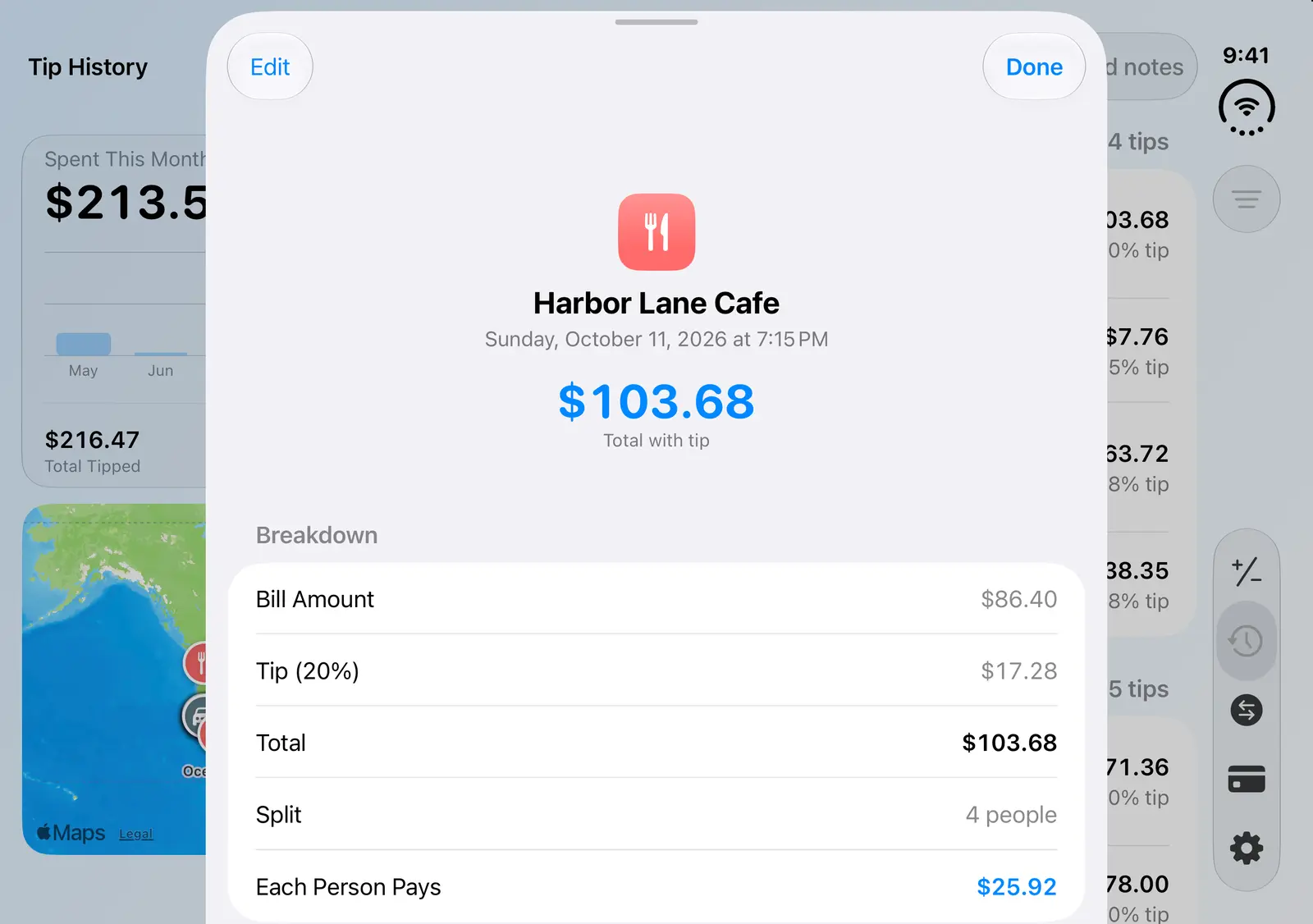
Every saved tip keeps the bill, the tip, the split and the place. Open the map to see where you've been, or the list to see how you tipped.
- List and map views, grouped by month
- Eleven categories, from restaurants to valets
- Edit any entry after the fact
Never guess what's customary.
Not sure what to give a valet, a mover or a tour guide? Search the guide in the app, or read it here on the web.
Read the tipping guideOn your wrist, in your messages, by voice.
Work out a tip on Apple Watch without reaching for your phone, send a tip summary inside iMessage, or ask Siri with a Shortcut.
- Apple Watch app for quick calculations and recent history
- iMessage extension for rich tip summaries
- Siri Shortcuts to calculate hands-free
Your tips, on the web.
Sign in with the same account you use in the app to see your totals, search and edit your history, export it as a spreadsheet, and manage your settings from any browser.
Example account
- Tipped this year
- $1,284.60
- Average tip
- 19.2%
- Tips saved
- 86
- Top category
- Restaurant
Common questions
Do I need an account?
No. The calculator, the split and the tipping guide work without one. An account lets you sync your history between devices and use the web dashboard.
Is the tip worked out before or after tax?
TipCalculate tips on whatever amount you enter. Many people tip on the pre-tax subtotal; enter that figure if that's your preference.
Which devices does it run on?
iPhone, iPad and Apple Watch, with an iMessage extension and Siri Shortcuts, plus Android. Your history is also available on this website once you sign in.
How do I delete my account and data?
From the app's settings, or on the web at Delete your account. Your history and profile are removed for good.
Settle up in seconds.
Free on the App Store and Google Play.